
Free QR Code Generator With Logo (No Signup Required)
Use this free QR code generator with logo, image, or photo to create custom QR codes in seconds. Upload your design, customize colors, and download instantly with no sign-up required.
Free to use. No login. No watermark. Nothing is uploaded to our server.

Create Your QR Code
Paste a website, PDF link, image link, social profile, YouTube video, WhatsApp link, or landing page.
Your uploaded image is processed inside your browser only. It is not uploaded to this website.
Preview
The preview stays small so it fits the page. The downloaded file uses the selected size.

📢 Shareable Insight
“A plain QR code gets scanned. A branded QR code gets remembered. Adding your logo helps build trust and recognition.”
👉 Click to Tweet
Created your QR code? Let me know what you’re using it for — or share a link to it in comments below 👇
🔥 Free QR Code Generator With Logo (No Signup Required)
If you’ve tried other QR code tools, you’ve probably noticed the same thing…
They let you create a QR code — then suddenly:
- “Sign up to download”
- “Upgrade to track scans”
- “Unlock premium features”
This free QR code generator with logo is different.
You can:
- Create a QR code instantly
- Add your own logo or image
- Customize colors and size
- Download your QR code in seconds
No login. No watermark. Nor hidden paywall.
Everything runs directly in your browser — nothing is stored on our servers.
🔥 Do QR Codes Expire? (And Why Ours Don’t)
One of the biggest frustrations with many QR code generators is that the QR codes don’t always last forever.
In fact, some platforms create what are known as dynamic QR codes. These can stop working after a certain period of time, reach a scan limit, or require you to upgrade to a paid plan to keep them active.
That means a QR code you’ve printed on a flyer, business card, or product could suddenly stop working — unless you pay.
However, the QR codes created with this free tool are different.
They are static QR codes, which means:
- They do not expire
- They do not have scan limits
- They will continue working as long as your link is active
As a result, you can confidently use them on printed materials, packaging, or long-term marketing without worrying about them breaking later.
🏪 Perfect for Small Businesses (No Monthly Fees)
If you run a small business, you’ve probably seen how quickly costs can add up.
Many QR code platforms are designed with subscriptions in mind — charging monthly fees just to keep your QR codes active or to unlock basic features.
That might not seem like much at first. However, over time, it becomes another recurring expense that eats into your margins.
This is especially frustrating when you just need something simple that works.
That’s where this free QR code generator is different.
It’s ideal for small businesses that want to:
- Promote special offers or discounts
- Link to menus, price lists, or services
- Share contact details or booking pages
- Direct customers to social media or websites
And most importantly:

👉 You can create your QR codes once and use them anywhere — without worrying about ongoing fees or subscriptions.
Whether you’re printing flyers, adding QR codes to packaging, or placing them in-store, your codes will continue working long-term.
🎯 What Can You Use This QR Code Generator For?
QR codes are far more powerful than most people realize. As a result, they’ve become a simple way to connect people directly to websites, files, and digital content.
Here are some of the most popular ways to use them:
📄 QR Code for PDF
Perfect for:
- Restaurant menus
- eBooks
- lead magnets
- brochures
Upload your PDF to Google Drive or Dropbox, copy the share link, and paste it into the generator above.
🖼️ QR Code for Images
Use QR codes to:
- showcase portfolios
- display product photos
- share infographics
Just upload your image online and paste the link.

🌐 QR Code for Websites
The most common use case.
Great for:
- blogs
- landing pages
- affiliate offers
- YouTube videos
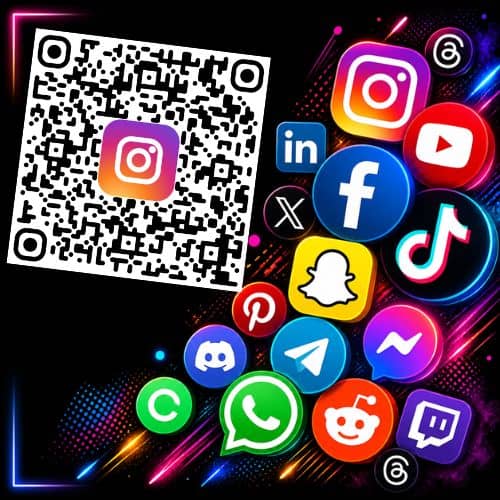
📱 QR Code for Social Media
You can link directly to:
- TikTok
- YouTube
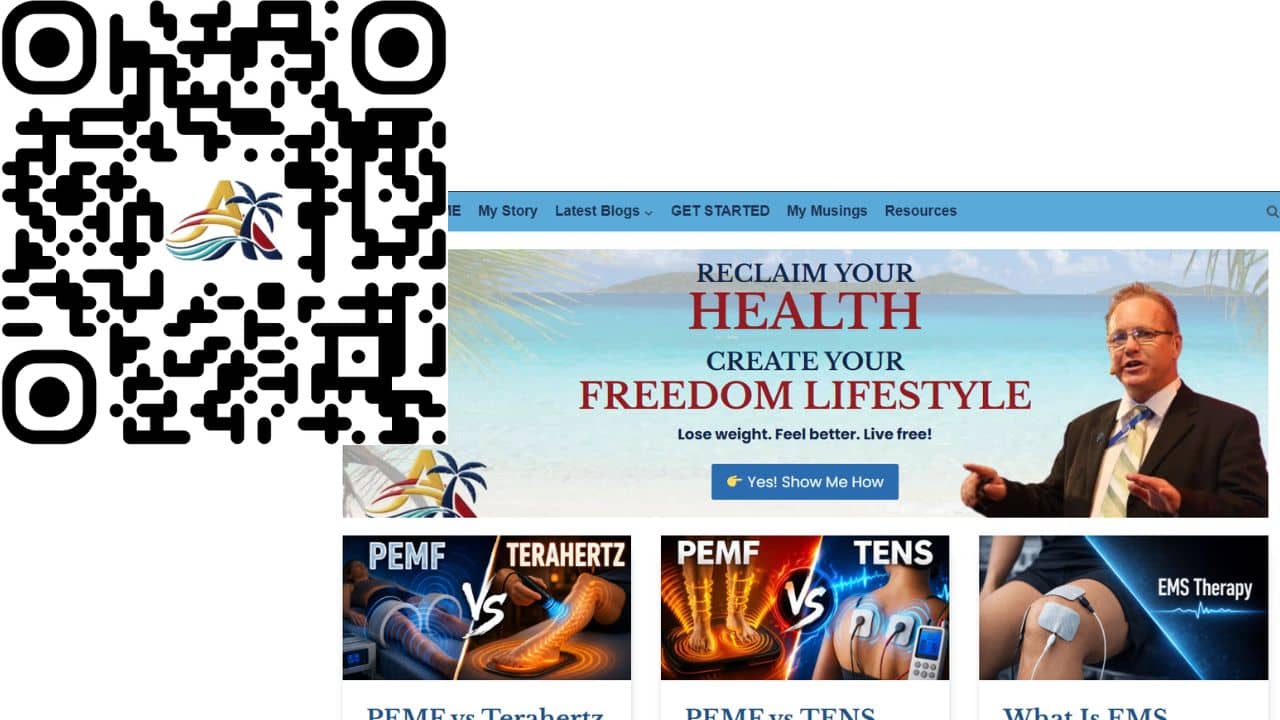
Add your logo in the center to increase recognition and clicks.
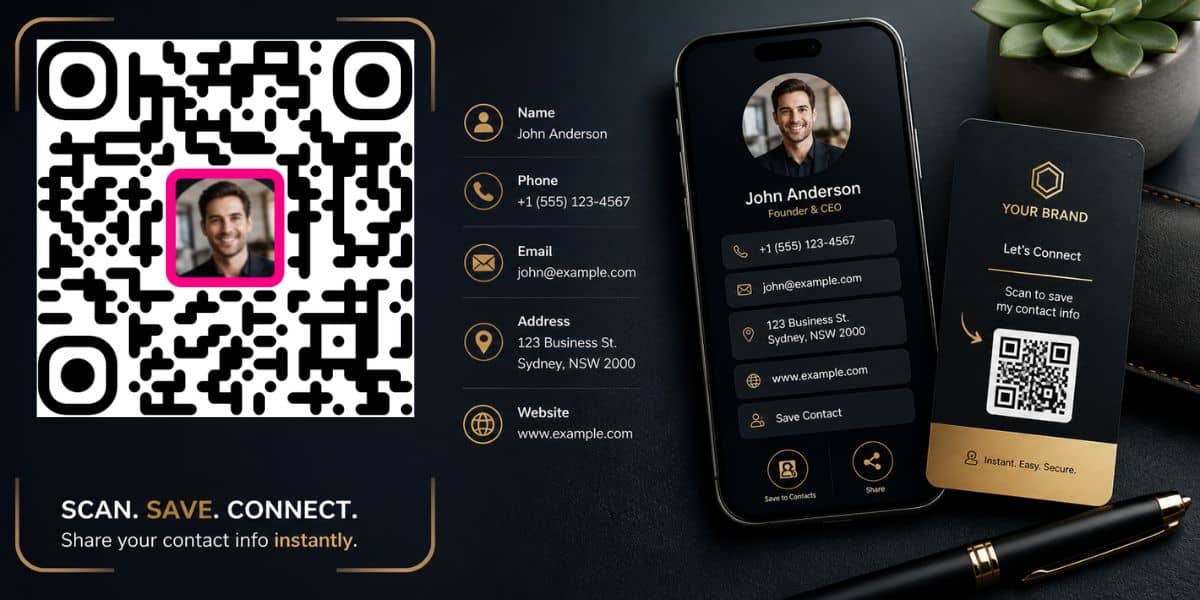
📞 QR Code for Contact Info
You can create QR codes that:
- trigger phone calls
- open email drafts
- send SMS messages
Perfect for business cards.
🧠 How to Create a QR Code With a Logo (Step-by-Step)
📢 Shareable Insight
“The easier you make it for people to scan, trust, and recognize your QR code, the more likely they are to engage with your business, content, or offer.”
👉 Click to Tweet
Creating a custom QR code only takes a few seconds:
- Enter your URL or content
- Choose a preset logo or upload your own
- Crop and position your image
- Customize colors and border
- Click “Update QR Code”
- Download your QR code
That’s it.
📄 How to Create a QR Code for a PDF (Free Method)
Most tools charge for this — here’s how to do it for free:
- Upload your PDF to Google Drive or Dropbox
- Click “Share”
- Set access to “Anyone with the link”
- Copy the link
- Paste it into the generator above
Now your QR code opens the PDF instantly.
🖼️ How to Create a QR Code for an Image
Follow the same process:
- Upload your image to:
- Google Drive
- Dropbox
- or your website
- Copy the public URL
- Paste it into the tool
This works great for:
- product packaging
- posters
- visual content
📊 How to Track QR Code Scans (Free Method)
Most QR tools charge for tracking. However, you can easily do it yourself for free.
Here’s a simple workaround:
Option 1: Use Bitly
- Shorten your URL
- Track clicks automatically
Option 2: Use Google Analytics
- Create a tracked link (UTM parameters)
- Paste it into the QR generator
Now you can see:
- how many people scanned
- where they came from
- what device they used
⚡ Why This QR Code Tool Is 100% Free
Most QR code generators follow the same business model:
- Give you a basic QR code
- Lock features behind a paywall
- Charge monthly fees
This tool does the opposite.
- No accounts
- No subscriptions
- No hidden costs
The goal is simple:
👉 Give you a fast, free tool
👉 Let you create what you need
👉 And you’re done
🧠 Tips for Better QR Code Performance
To get the best results:
- Keep your center logo under ~30% of the QR size
- Use high contrast colors
- Test your QR code before printing
- Avoid placing QR codes on curved surfaces
Small changes can make a big difference in scan success.
❓ Frequently Asked Questions
Is this QR code generator really free?
Yes. There are no signups, no subscriptions, and no hidden fees.
Do you store my images or data?
No. Everything runs locally in your browser.
Can I use my own logo?
Yes. You can upload and crop your own image.
Why can’t the logo be too big?
QR codes need enough visible data to scan correctly.
If the center image is too large, the code may fail.
Can I track QR code scans?
Yes — by using tools like Bitly or Google Analytics.
What file format do I get?
You can download your QR code as a PNG file.
🔗 Related Guides
- How to Create a QR Code for a PDF (Free)
- How to Create a QR Code for an Image
- How to Track QR Code Scans for Free
- How Small business can use QR Codes
Other Fee Online Tools
Free QR Code Generator with Logo
Private Browser-Based Image Compressor-Converter
Remove Image Background Tool
SEO Content Planner Tool
FAQ Generator
Click To Tweet Generator Tool
Internal Linking Tool
Free Backlink Opportunity Finder
Free Broken Link Checker
Free Tool Information Page
Teleprompter with Voice Controlled Scroll


Leave a link to your QR code and let me know what your using it for…
I’m using this for my local Lions Club info board to display at our fundraisers and events.
Awesome Penny, comeback any time to make more… Feel Free to share it with others too 🙂
Drew
I created this free QR code for my StarWing Defender – Free Retro Pixel Arcade Game…
I created this free QR code for Blog Home Page….
I created this free QR code for My Nostalgia PIXEL Arcade – Hub for Free games.
I created this free QR code for Telegram profile
I created this free QR code for my blog post site.
Admiring the time and effort you put into your
website and detailed information you offer. It’s awesome
to come across a blog every once in a while that isn’t the same outdated
rehashed information. Wonderful read! I’ve bookmarked your site and I’m
adding your RSS feeds to my Google account.
I created this free QR code for my wedding registry!
Congrats, Hope the wedding goes well and you enjoy a happy life together
Andrew
I created this free QR code for travel
Andrew
I created this free QR code for social media advertisement.
Good luck with your ads. Although the QR code goes to my blog, so you might want to check the URL and redo it.
https://andrewtwelftree.com/tools/free-qr-code-generator-with-logo/
I created this free QR code for a nonprofit
I created this free QR code for
Author Website
Awesome Rober, hope this helps you get more book sales.
I created this free QR code for an auction link to benefit Crossroads Unliited.
Nice site.
I created this free QR code for myself
Cool use for the QR
I created this free QR code for Lily to get more followers.
Awesome, Car looks Awesome. Good luck in your next race.