
How to Create a QR Code for an Image (Free & Easy Method)
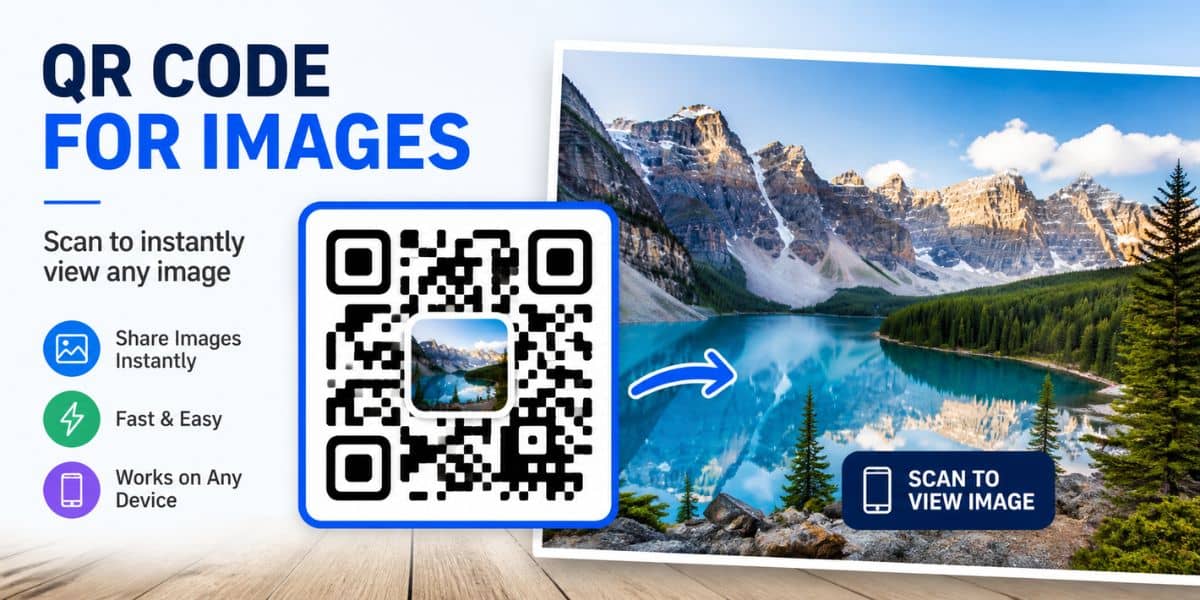
QR codes are a simple way to share visual content instantly. In fact, they allow users to scan a code and view an image within seconds.
However, many tools overcomplicate the process. For example, they may require accounts, limit downloads, or hide features behind paywalls.
Fortunately, creating a QR code for an image is quick and completely free when done the right way.
Prefer to watch instead? This quick walkthrough shows how to create a QR code for an image so people can instantly view photos, product images, menus, graphics, or promotional content from their phone.


📢 Shareable Insight
“If customers have to search for your images, galleries, or promotions, many simply won’t bother. QR codes make access instant.”
👉 Click to Tweet
What Is a QR Code for an Image?
A QR code for an image allows someone to scan a code and instantly open a photo or visual file.
For example, you can use it to share:
- Product images
- Portfolio photos
- Before-and-after transformations
- Artwork or designs
- Event photos
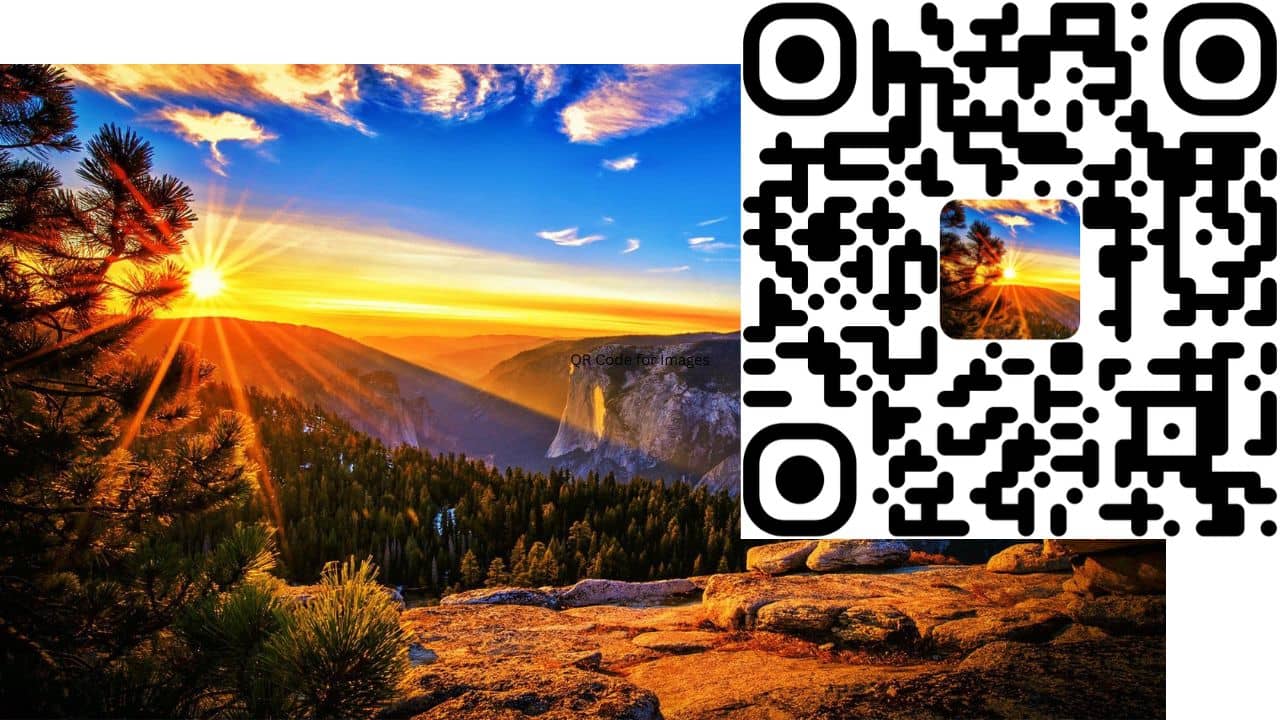
Instead of sending files manually, users can simply scan and view the image immediately. As a result, it becomes a fast and convenient way to share visual content.
Step 1: Upload Your Image Online
Before creating your QR code, your image needs to be accessible via a link.
You can upload your image to:
- Your website
- Google Drive
- Dropbox
- Image hosting platforms
Once uploaded, make sure the image is publicly accessible.
👉 Anyone with the link should be able to view it
Then, copy the image URL.
Step 2: Paste Your Image Link Into the Generator
Next, head over to your free QR code generator.
Then, paste your image link into the input field. At this point, your QR code will already work.
However, you can customise it further if you want. For instance, you may want to add branding or change colours.
Step 3: Customise Your QR Code (Optional)
To make your QR code more engaging, you can:
- Add a photo or logo in the center
- Change the QR code colour
- Adjust the background
- Add a border around your image
For example, you might include a small preview-style image or icon that represents what users will see.
As a result, your QR code becomes more visually appealing and easier to recognise. In addition, it helps build trust with users.

Step 4: Download and Use Your QR Code
Once you’re happy with your design:
- Click download
- Save the PNG file
- Use it wherever you need
You can place your QR code on:
- Posters
- Flyers
- Product packaging
- Social media posts
- Business cards
- Shop front windows
As a result, you can connect offline users directly to your images with a simple scan.
Do QR Codes for Images Expire?
This is a common concern.
Many QR code tools create dynamic codes that can expire or require payment to stay active.
However, this method uses static QR codes, which means:
- They do not expire
- They have no scan limits
- They continue working as long as your image link is active
Therefore, you can use them long-term without worrying about losing access.
Tips for Using QR Codes for Images
To get the best results, keep these tips in mind:
Use high-quality images
Clear visuals create a better experience for users.
Keep file sizes reasonable
Large images may load slowly on mobile devices. Therefore, optimise where possible.
Test before sharing
Always scan your QR code to ensure the image loads correctly.
Make it obvious
Let users know what they’re scanning. For example, add text like “Scan to view image”.
Why Use a Free QR Code Generator?
Many tools charge for basic features. However, this free tool allows you to:
- Create QR codes instantly
- Add logos or images
- Download without restrictions
- Avoid subscriptions entirely
Final Thoughts
Creating a QR code for an image is one of the simplest ways to share visual content.
In fact, once your image is uploaded, it only takes seconds to generate a working QR code. As a result, you can quickly connect your audience to your content.
Whether you’re showcasing products, sharing photos, or promoting content, QR codes provide a fast and effective solution.
So, if you haven’t already, try it out and start connecting your audience to your images instantly.
🔗 Related Guides
- How to Create a QR Code for a PDF (Free)
- How to Create a QR Code for an Image
- How to Track QR Code Scans for Free
- How Small business can use QR Codes


